Inspector
Inspector (Beta) lets you debug ads by displaying detailed information.
info
Inspector requires SDK version 8.10.0.
Getting Started
Launching Inspector
Launch Inspector by long-pressing the ad with three fingers for 3 seconds.
In debug builds, long-press with two fingers instead. This feature depends on the DEBUG=1 Preprocessor Macro.
If an ad fails to render, launch Inspector through another ad view.
Enabling Inspector
Enable inspector by setting the option in GFPAdManager as shown below.
- Swift
- Objective-C
GFPAdManager.setInspectorEnabled(true)
[GFPAdManager setInspectorEnabled:YES];
Exporting Logs
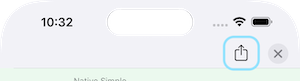
Tap the share button at the top right of the main screen to export inspector logs. Attach the exported file when reporting issues.
Ad Logs
Ad logs display ad view analysis, API request and response history, parameter settings, and more.
Only the most recent ads up to the specified limit are shown.
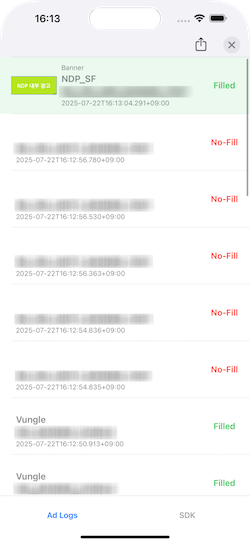
- Green-highlighted ad is the one launching the inspector.
- In advertising terms, No-Fill refers to having no ad inventory available for the request, while Fill means the ad was successfully delivered.
Ad Details
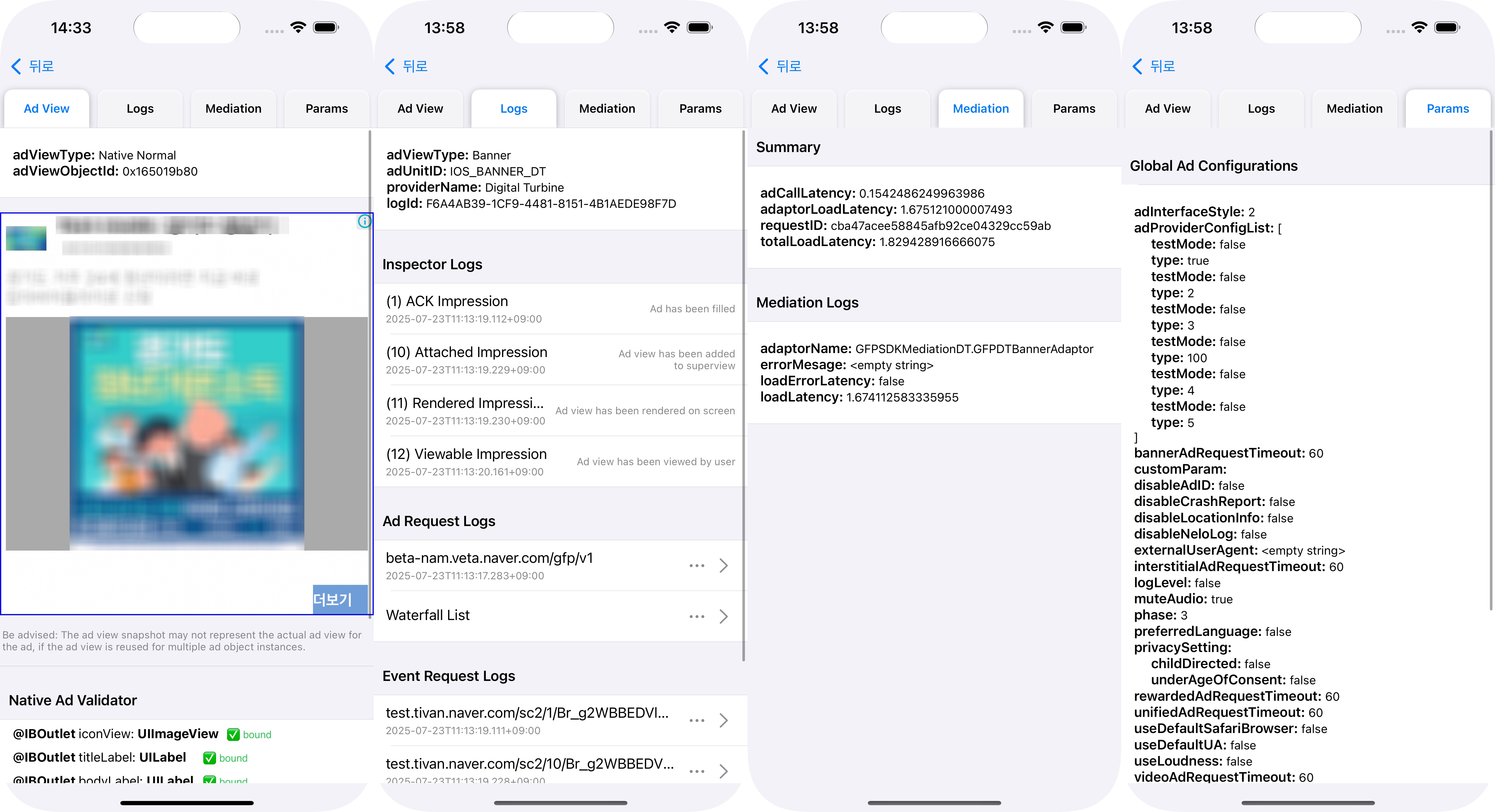
Ad View
- Identify the ad quickly via its thumbnail.
- Verify native ad view elements integration with the Native Ad Validator. See [Native Ad View Creation].
Logs
- Logs section shows API requests and responses, and more.
- Easily access Waterfall List (received ads).
Mediation
- Examine logs related to SDK-side ad mediation within the Waterfall List.
Params
- See global parameters set in GFPAdManager under Global Ad Configurations.
- See
GFPAdParamsettings for individual ads injected via GFPAdLoader, GFPVideoAdScheduleManager, GFPRewardedAdManager, and GFPInterstitialAdManager under Ad Params. - See additional parameters sent to the ad server, such as in-app bidding results, under Extra Params.
SDK Logs
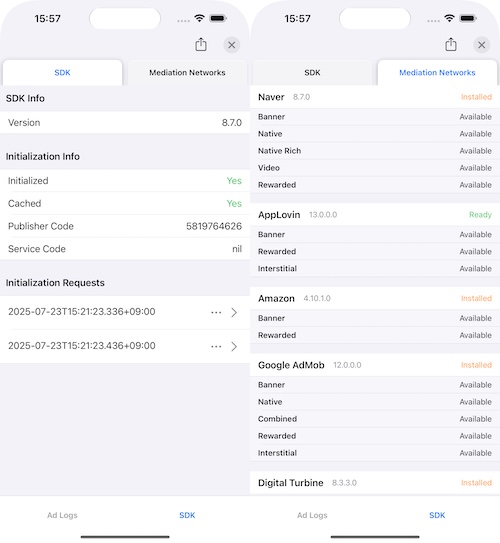
SDK
- SDK tap shows basic SDK info and initialization logs.
Mediation Networks
- View information on mediation network adapters that connect to external DSP SDKs to render ads.
- Check Pod installation status for external DSPs.
Not InstalledPod is missing.InstalledPod is installed and can render ads from the DSP.ReadyPod is installed and the DSP was pre-initialized for faster ad rendering.ErrorAdapter encountered an error.BlockedAd delivery is blocked for a specific Pod version flagged on the ad server.